
Claude Code
Claude Code 推荐走 Anthropic Messages API。Enodot 的 Anthropic 兼容 Base URL 是:
text
https://ai.enodot.shop注意这里不要手动加 /v1,Claude Code / Anthropic SDK 会自己请求 /v1/messages。
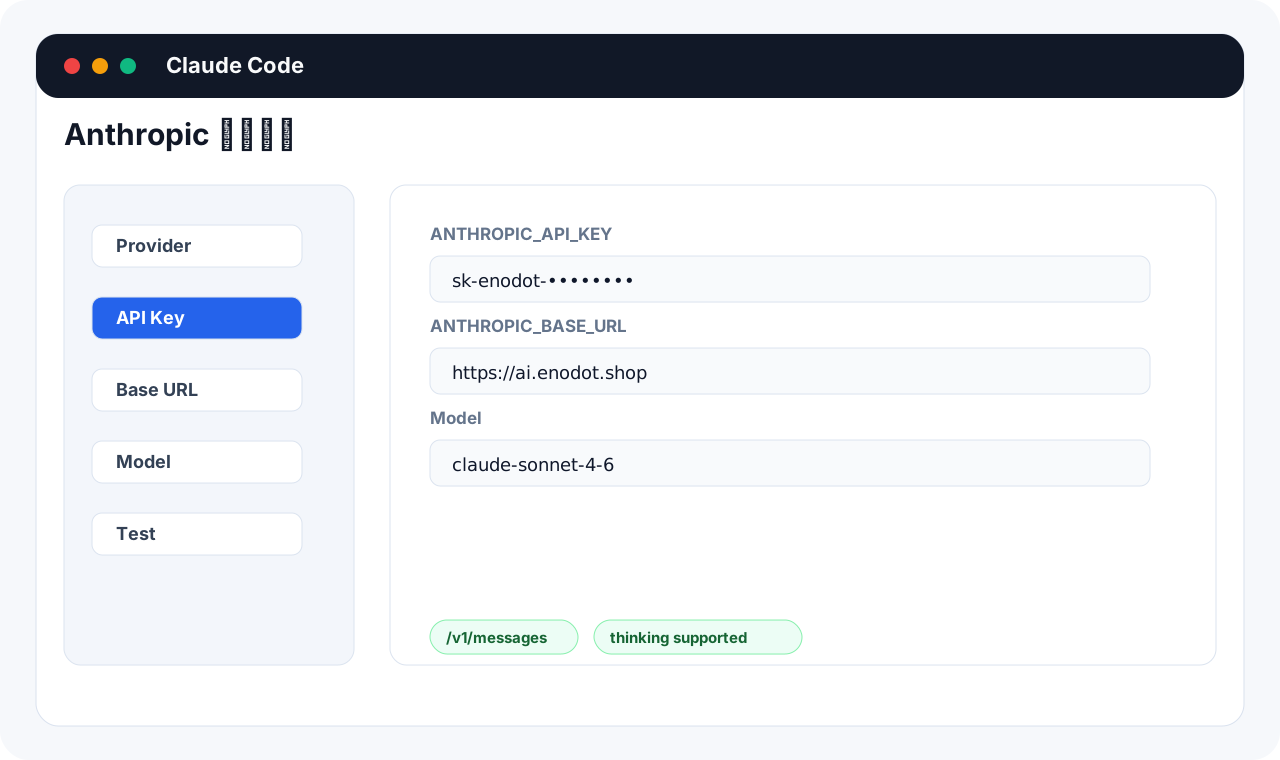
环境变量配置
macOS / Linux / WSL
bash
export ANTHROPIC_API_KEY="你的 Enodot API Key"
export ANTHROPIC_BASE_URL="https://ai.enodot.shop"
启动 Claude Code:
bash
claudeWindows PowerShell
powershell
$env:ANTHROPIC_API_KEY="你的 Enodot API Key"
$env:ANTHROPIC_BASE_URL="https://ai.enodot.shop"
claude
写入长期配置
zsh
bash
echo 'export ANTHROPIC_API_KEY="你的 Enodot API Key"' >> ~/.zshrc
echo 'export ANTHROPIC_BASE_URL="https://ai.enodot.shop"' >> ~/.zshrc
source ~/.zshrc
bash
bash
echo 'export ANTHROPIC_API_KEY="你的 Enodot API Key"' >> ~/.bashrc
echo 'export ANTHROPIC_BASE_URL="https://ai.enodot.shop"' >> ~/.bashrc
source ~/.bashrc
模型选择
| 场景 | 推荐模型 |
|---|---|
| 高强度任务 | claude-opus-4-7 |
| 日常开发 | claude-sonnet-4-6 |
| 轻量任务 | claude-haiku-4-5 |
实际可用模型取决于当前 Key 的分组和渠道。
自测
bash
curl https://ai.enodot.shop/v1/messages \
  -H "x-api-key: $ANTHROPIC_API_KEY" \
  -H "anthropic-version: 2023-06-01" \
  -H "Content-Type: application/json" \
  -d '{
    "model": "claude-opus-4-7",
    "max_tokens": 64,
    "messages": [{"role": "user", "content": "只回复 ok"}]
  }'
Thinking 参数
Enodot 保留 Anthropic 原生请求格式。需要 thinking 时按 Anthropic 原生字段传:
json
{
  "model": "claude-opus-4-7",
  "max_tokens": 2048,
  "thinking": {
    "type": "enabled",
    "budget_tokens": 1024
  },
  "messages": [
    { "role": "user", "content": "分析这个问题。" }
  ]
}
常见问题
count_tokens 返回 404
部分渠道不支持 token counting。只要 /v1/messages 正常,通常不影响对话。
401 或 invalid x-api-key
检查 ANTHROPIC_API_KEY 是否填了 Enodot Key,而不是官方 Anthropic Key。
模型不可用
检查 Key 绑定分组是否是 Anthropic 协议,或 Mixed 分组是否配置了 anthropic_messages 入口。