
CC-Switch
CC-Switch 适合需要在多个 Claude Code 配置之间快速切换的用户。你可以为 Enodot 单独保存一套 Anthropic 兼容配置,需要使用时切到这套配置即可。
你需要准备
- Enodot API Key。
- 一个支持 Anthropic 协议的分组 Key,例如
Claude Kiro、Claude 官方渠道或默认聚合路由。 - 一个当前 Key 可用的 Claude 模型,例如
claude-sonnet-4-6、claude-opus-4-7或claude-haiku-4-5。
生产 API 地址:
text
https://ai.enodot.shop推荐填写
| CC-Switch 字段 | 填写 |
|---|---|
| Provider | Anthropic / Claude |
| Base URL | https://ai.enodot.shop |
| API Key | 你的 Enodot API Key |
| Default Model | claude-sonnet-4-6 |
| Fast / Small Model | claude-haiku-4-5 |
| Reasoning / Large Model | claude-opus-4-7 |
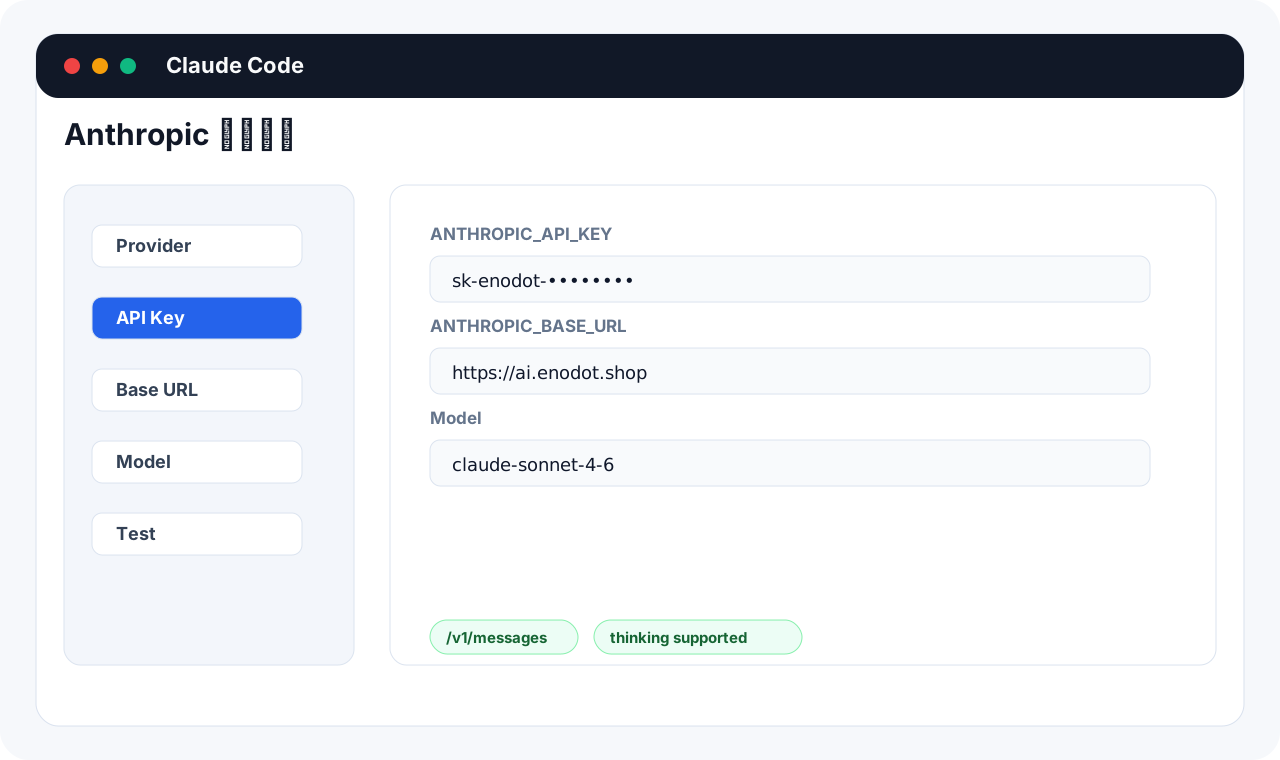
配置步骤
- 打开 CC-Switch。
- 新增一个配置,名称可以写
Enodot Claude。 - Provider 选择 Anthropic 或 Claude。
- Base URL 填
https://ai.enodot.shop。 - API Key 填控制台复制的 Enodot API Key。
- 模型按上方推荐填写。
- 保存后切换到这套配置。
- 打开 Claude Code,发送一条简单消息测试。
先用 curl 自测
如果 CC-Switch 里配置后 Claude Code 仍然报错,先用同一个 Key 测接口:
bash
export ENODOT_API_KEY="你的 Enodot API Key"

curl https://ai.enodot.shop/v1/messages \
  -H "x-api-key: $ENODOT_API_KEY" \
  -H "anthropic-version: 2023-06-01" \
  -H "Content-Type: application/json" \
  -d '{
    "model": "claude-sonnet-4-6",
    "max_tokens": 64,
    "messages": [{"role": "user", "content": "只回复 ok"}]
  }'
能返回内容,说明 Key、分组和模型本身可用;问题通常在 CC-Switch 或 Claude Code 的本地配置。
常见问题
Base URL 要不要加 /v1
Anthropic 兼容模式通常填:
text
https://ai.enodot.shop不要手动填成 https://ai.enodot.shop/v1,否则部分工具会把路径拼成错误地址。
选哪个分组
- 想要低倍率 Claude 调用:选
Claude Kiro。 - 想要官方 Claude 来源:选
Claude 官方渠道。 - 一把 Key 同时给 Codex、Claude、Gemini 使用:选
默认聚合路由,Claude 请求会按 Anthropic 入口路由。
模型不存在
先用自己的 Key 请求:
bash
curl https://ai.enodot.shop/v1/models \
  -H "Authorization: Bearer $ENODOT_API_KEY"
只填写返回列表里存在的模型。